How to Set Up a Dorm Room Desk That Actually Works for Studying
Most dorm desks are a pile of stuff with a laptop buried underneath. Here's how to set up a study space that keeps you focused and organized all semester.
In this article
The average dorm desk has a laptop somewhere underneath a textbook, three water bottles, some receipts, and a charger that belongs in a different room. It’s hard to study in that environment, not because you lack willpower, but because a cluttered workspace creates constant low-level friction every time you sit down.
A good desk setup doesn’t require buying much. Mostly it requires making decisions: what belongs here, what doesn’t, and where everything else should actually live. And to keep track of what you’re actually working on, a college planner does more for focus than any desk gadget. For the broader room setup picture, see Dorm Room Storage Ideas.
The key to actually using my desk was keeping it clear. Laptop, notebook, lamp, and whatever I was currently working on. Once other things started piling up on it, I’d find somewhere else to work. The desk that works is the one with enough surface to open something and focus. Everything else belongs somewhere else.
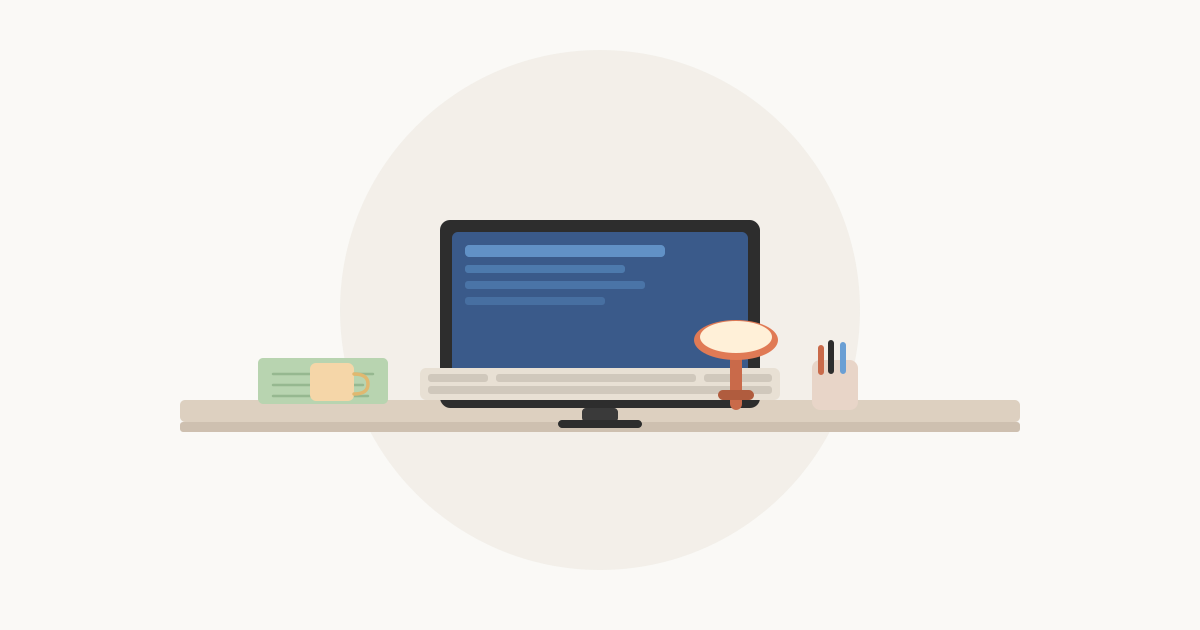
Quick answer: Clear the desk completely first, then put back only what you use daily: your laptop or monitor (on a stand raised to eye level), a desk lamp (4000K–5000K for daytime work), one pen organizer, and whatever you’re actively working on. Use vertical space, a laptop riser creates storage underneath, a floating shelf above handles textbooks. Run all cables to a single power strip at the back of the desk. Do a 2-minute desk reset every night before bed; that one habit keeps things organized all semester.
Desk Accessories: What’s Worth It vs. What Isn’t
| Accessory | Worth It? | Why |
|---|---|---|
| Laptop stand or monitor riser | Yes | Biggest impact, eye level + storage underneath |
| Desk lamp (adjustable color temp) | Yes | Overhead lighting is inadequate for focused work |
| Surge-protected power strip | Yes, essential | Dorm outlets are scarce; this is not optional |
| Cable velcro ties | Yes | $5 that eliminates cable chaos permanently |
| One pen cup or tray | Yes | One, not three |
| Floating shelf above desk | Yes if allowed | Keeps textbooks off the desk surface |
| Full desktop organizer set | Wait | Buy after seeing the actual desk layout |
| Multiple monitor setup | Wait/optional | See the room and your workflow first |
| Printer | Usually skip | Campus labs handle most printing |
| Decorative items on the desk surface | Skip | Competing for the space where work happens |
Start by Clearing Everything Off
Before buying any desk accessories, take everything off the desk. Put it on your bed temporarily.
Now look at the empty desk. Notice how much cleaner and easier it feels to sit at. That’s the goal, the accessories you add should maintain that feeling, not add to the pile.
From the bed, sort what came off the desk into two groups:
- Daily use: goes back on the desk (or in a drawer)
- Occasional use: needs a home somewhere else in the room
Most of what’s on the average dorm desk falls into the second category.
The Core Desk Setup
You need four things on your desk surface:
1. Your main screen Laptop, monitor, or both. If you use a laptop as your only screen, a laptop stand that raises it to eye level makes a significant difference over a full semester. Your neck and posture will thank you. A stand also frees up space under the laptop for a keyboard and mouse if you use them.
2. A good lamp Overhead dorm lighting is almost always too harsh or poorly positioned for desk work. A desk lamp with adjustable brightness and color temperature, positioned to light your work without creating glare on your screen, makes studying at night much more comfortable. See our guide to Best Dorm Room Desk Lamps for what to look for.
3. One place for pens and small supplies One pen cup or small organizer tray. Not three. The goal is to always know where your pen is without digging.
4. Whatever you’re actively working on One notebook, one textbook, whatever today’s work is. Everything else gets put away.
That’s it. Everything else on your desk is competing for your attention.
Vertical Space Is Your Best Friend
A dorm desk is usually shallow, about 20 inches front to back. You can’t spread out horizontally. The solution is going vertical.
Laptop or Monitor Riser
A riser lifts your screen to eye level and creates usable storage underneath, enough space for a keyboard, external hard drive, or notebook. This single change transforms a cluttered desk into a functional workstation.
Floating Shelf Above the Desk
Many dorms allow you to hang a small shelf above the desk using Command strips (check your housing policy first). A 12–18 inch floating shelf holds textbooks, a small plant, a clock, or your printer, getting them off the desk surface entirely.
Pegboard Panel
A small pegboard mounted or leaned against the wall behind the desk holds hooks for headphones, a small shelf for a plant or phone, and clips for notes. It turns dead wall space into organized storage without taking up any desk room.
Cable Management
Nothing makes a desk feel messier faster than tangled cables. Three things fix this:
A single power strip at the back of the desk handles all your devices in one place. Run it along the back edge so cables stay behind your workspace.
Cable ties or velcro straps bundle cables that run together. Three or four ties make a rat’s nest into a clean run.
A cable clip or cable spine attached to the desk edge or wall keeps the main cable (laptop charger, monitor cable) from sliding to the floor every time you unplug.
Lighting Setup
Most dorm rooms have one overhead ceiling light. This is not enough for comfortable desk work.
The best desk lighting setup has two layers:
Task lighting. Your desk lamp, pointed at your work surface. Bright enough to read and write comfortably. 4000–5000K color temperature for daytime studying; dimmer and warmer for evening wind-down.
Ambient lighting, string lights, a small LED lamp, or a floor lamp to fill the room with soft background light. This reduces the contrast between your bright screen and a dark room, which is easier on your eyes during long study sessions.
String lights around a window frame or along a shelf are the easiest way to add warm ambient light to a dorm room. They use almost no power and can stay on for hours.
What to Keep Off the Desk
Textbooks you’re not using this week. Use a bookshelf, shelf above the desk, or the space under your bed.
Snacks and drinks. A water bottle is fine. A collection of cups and wrappers is not. Keep food at your mini-fridge or on a separate shelf.
Laundry. The desk is not a chair substitute for clean clothes.
Your phone, at least during study sessions. Phone-free studying is worth it. Even face-down on the desk, it’s a distraction. A small charging station or phone holder on a shelf away from the desk keeps it accessible without being a constant interruption.
The 2-Minute Reset
The habit that keeps a desk organized all semester:
Every night before bed, spend two minutes clearing anything that doesn’t belong. Put the pen back. Close the notebook. Move the empty water bottle. Toss any scraps of paper.
Two minutes consistently beats one hour of chaos every few weeks. A clear desk in the morning is one less barrier between you and getting started.
Key Takeaways
- Start by clearing everything off the desk, then put back only what you use daily; most of what’s on the average dorm desk belongs somewhere else in the room.
- A laptop stand at eye level is the single highest-impact upgrade: it raises your screen for better posture, and creates space underneath for a keyboard and mouse.
- Use a desk lamp with 4000K–5000K color temperature for daytime studying, overhead dorm lighting is almost always too harsh or poorly positioned for focused work; don’t rely on it.
- Vertical space is your best resource on a shallow dorm desk: a monitor riser, floating shelf above the desk, or a small pegboard keeps things organized without eating into your work surface.
- Run all cables to a single power strip at the back of the desk and bundle them with velcro ties, nothing makes a desk feel messier faster than tangled cables.
- Keep your phone off the desk during study sessions, even face-down, it’s a distraction; a small charging spot on a nearby shelf keeps it accessible without being in your line of sight.
- The 2-minute desk reset every night, clear everything that doesn’t belong before bed, beats one long cleanup session every few weeks and keeps friction low every morning.
Related Dorm Guides
- Best Dorm Room Desk Lamps, what to look for in color temperature, brightness, and size
- Dorm Room Storage Ideas, the full storage picture beyond the desk
- Complete Dorm Room Checklist for Freshmen, full shopping list including desk supplies
- What to Pack for a Dorm Room, packing timeline for desk supplies and electronics
- Dorm Room Layout Ideas That Actually Work, how to position your desk in the room
- How to Make a Dorm Room Feel Like Home, comfort and atmosphere beyond the desk
- How to Set Up a Dorm Room for Under $200, desk setup on a tight budget
Frequently Asked Questions
- Keep only what you use daily on the desk surface: your laptop or monitor, a lamp, one pen cup, and whatever you're currently working on. Everything else, textbooks, extra supplies, snacks, should have a home somewhere else in the room. A clear desk makes it easier to start working and easier to focus once you do.
- Vertical storage is the key to a small desk. A monitor riser or laptop stand creates a second level. A small pegboard, wall shelf, or over-desk floating shelf adds storage without eating into your workspace. Keep the desktop itself minimal, one drawer organizer under the desk or in a top drawer handles pens, chargers, and small supplies.
- An external monitor is one of the highest-impact desk upgrades for students who do serious work on a laptop. It makes writing papers, doing research, and following along with video lectures much more comfortable. A 24-inch 1080p monitor is the sweet spot for a dorm desk, big enough to matter, small enough not to dominate the room.
- The main habit is putting things back where they belong immediately instead of setting them on the desk surface 'for now.' Keep a trash bin close to the desk. Do a 2-minute desk reset every night before bed, clear anything that doesn't belong. The longer clutter sits, the harder it is to clear.
What should I put on my dorm desk?
How do I organize a small dorm desk?
Should I bring a monitor to my dorm?
How do I keep my dorm desk clean all semester?