
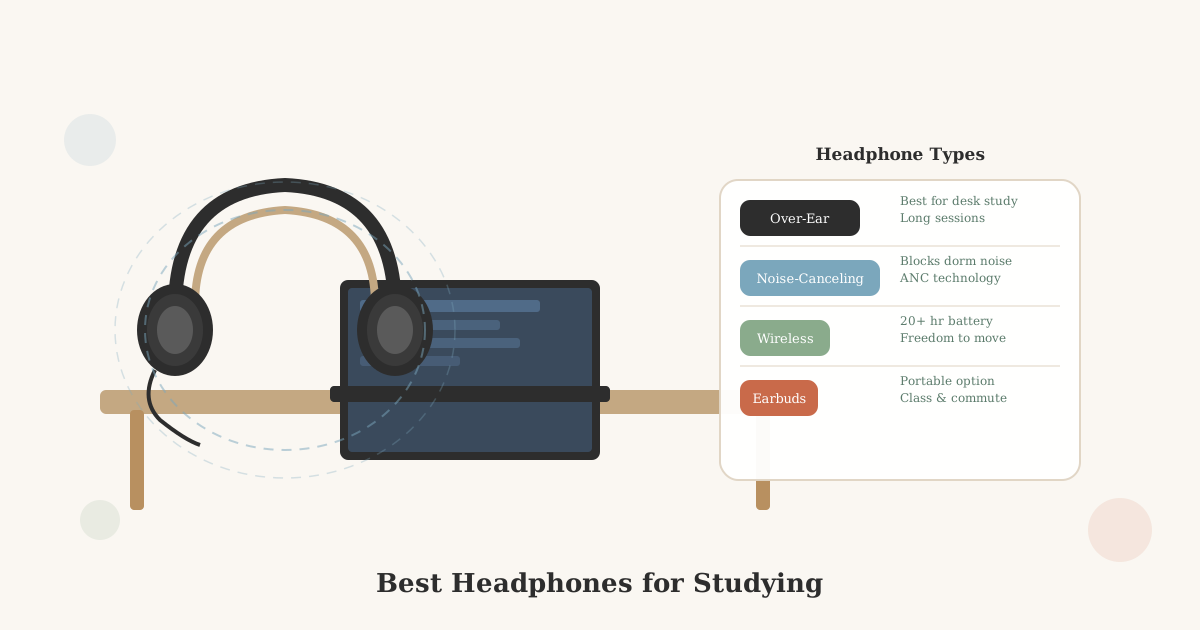
Best Headphones for Studying in a Dorm (2026): What to Look For
The right headphones make a shared dorm room feel private. The wrong ones fall apart by midterms. Here's what to look for at every budget.
In this article
In a shared dorm room, headphones are a basic utility. They’re how you create a private study space without a private room. The right pair makes a real difference over a semester.
This guide covers what to look for, which type fits which situation, and what to avoid. For more on building a productive desk setup around your headphones, see Dorm Room Desk Setup.
My roommate and I had completely different sleep schedules, she stayed up later than I did and I had early classes. Headphones were my main solution for studying while she was awake. They let both of us use the room without having to tiptoe around each other, which was more important than the audio quality.
Quick answer: For long study sessions at a desk, over-ear headphones beat earbuds, more comfortable, better passive isolation. Wired over-ear ($25–$60) is the most reliable and budget-friendly option. Wireless over-ear ($50–$120) adds freedom from cables. Noise-canceling ANC headphones ($100+) are worth it if you’re in a consistently noisy building. If you need one pair for everything, desk, gym, commute, wireless earbuds work, but they’re less comfortable for multi-hour sessions. Skip anything under $15; cheap earbuds fail quickly.
Quick Decision Guide
| Situation | Best Choice | Price Range |
|---|---|---|
| Long desk sessions, budget-first | Wired over-ear | $25–$60 |
| Desk sessions, want wireless | Wireless over-ear | $50–$120 |
| Consistently noisy building | ANC over-ear | $100–$200 |
| One pair for desk + gym + commute | Wireless earbuds | $30–$150 |
| Video calls alongside studying | Any with built-in mic | Any |
| Sleeping with audio | Earbuds (flat-style) | $20–$60 |
What Actually Matters for Studying
Comfort over long sessions. You might wear headphones for 3–4 hours straight during finals. Headphones with thin foam padding, tight clamping pressure, or ear cups too small for your ears become painful. Prioritize comfort if you plan to wear them for extended periods.
Noise isolation. Either passive (physical blocking) or active noise cancellation (ANC). Passive isolation comes from how well the ear cups seal around your ear. ANC uses microphones to cancel incoming sound electronically, more effective for low-frequency sounds like HVAC and bass from other rooms.
Durability. A $25 pair of headphones that breaks at the hinge by March costs more than a $60 pair that lasts four years. Look for metal or reinforced hinges, braided cable (for wired), and reviews that mention long-term durability.
Battery life (wireless). 20+ hours is the practical minimum for wireless headphones you use daily. Less than that and you’ll find yourself constantly monitoring battery levels.
Option 1: Wired Over-Ear Headphones ($25–60)
The most reliable, most affordable option for desk studying. No battery to charge, no connectivity to manage. Plug in and it works.
Best for: Long study sessions at a desk, students who don’t want to manage another rechargeable device, anyone on a tight budget.
What to look for:
- Padded headband and cushioned ear cups
- Foldable for storage in a bag
- At least a 1.5-meter cable (shorter cables create awkward desk situations)
- 3.5mm jack (works with any device; USB-C adapter required for newer laptops without a headphone jack)
→ Shop wired over-ear headphones on Amazon
Option 2: Wireless Over-Ear Headphones ($50–120)
The same comfort and isolation advantages as wired, plus freedom to move around the room without a cable. This is the most popular category for college students.
Best for: Students who want the desk-use benefits of over-ear headphones without being tethered. Also works for walking around campus with the right pair.
What to look for:
- 20+ hours of battery life
- Physical controls on the ear cups (easier to adjust volume without pulling out your phone)
- Foldable design for bag portability
- Comfortable enough for 2–3 hour sessions without pressure points
→ Shop wireless over-ear headphones on Amazon
Option 3: Noise-Canceling Headphones ($100–200)
Active noise cancellation (ANC) is the most effective way to block ambient dorm noise. ANC headphones use built-in microphones to detect and cancel out steady background sounds, HVAC hum, hall noise, a roommate’s music bleeding through the wall.
ANC doesn’t block sudden sounds (someone slamming a door, a conversation starting nearby) as effectively, but for sustained ambient noise it’s dramatically better than passive isolation alone.
Best for: Students in noisy buildings, light sleepers who study at night, anyone who struggles to focus with ambient sound.
Trade-offs: More expensive. Some people find ANC creates a faint pressure sensation. Try before you commit if possible, or buy from a retailer with a good return policy.
→ Shop noise-canceling headphones on Amazon
Option 4: Wireless Earbuds ($30–150)
Earbuds are the right choice for portability. They go from desk to gym to lecture hall without switching bags. Modern true wireless earbuds (TWS) have improved dramatically, and even budget options are usable.
Best for: Students who need one pair that does everything, desk, class, commute, gym. Also the only practical option for sleeping with audio (over-ear headphones are uncomfortable lying down).
Trade-offs: Less comfortable for multi-hour desk sessions than over-ear headphones. Smaller drivers mean generally less bass and soundstage. Easy to lose one earbud.
What to look for:
- At least 6 hours of earbud battery (case extends this to 24+ hours)
- Secure fit for movement (ear fins help)
- In-ear seal for passive isolation (earbuds that sit loosely in the ear let in more outside sound)
→ Shop wireless earbuds on Amazon
What to Skip
Very cheap earbuds (under $15). The audio quality is tolerable, but cheap earbuds fail quickly, the connection between cable and earbud housing deteriorates, the ear tips fall off, or one side stops working. A $30–40 pair from a recognizable brand will outlast three $10 pairs.
Gaming headsets for general studying. Gaming headsets are designed for gaming (microphone boom, surround sound processing, LED lighting). For studying, they’re often bulkier and less comfortable than standard headphones at the same price. Use a gaming headset for gaming; buy separate headphones for studying if you do both.
Bone conduction headphones for studying. Bone conduction headphones sit outside the ear canal rather than in or over it. This means you hear ambient sound clearly alongside your audio. Useful for running outdoors safely, not useful for blocking out dorm noise.
A Practical Note on Microphones
If you’ll use headphones for video calls, online classes, or tutoring sessions, check whether your chosen headphones have a built-in microphone. Most wireless headphones do. Many wired over-ear headphones have a mic on the cable. If you need high-quality audio for recording or streaming, a separate USB microphone is a better investment than relying on a headphone mic.
Key Takeaways
- Over-ear headphones are better for long desk study sessions, more comfortable and better passive noise isolation than earbuds.
- Wired over-ear ($25–$60) is the most reliable and budget-friendly option, no battery, no connectivity, just plug in.
- Noise-canceling (ANC, $100+) is worth it for consistently noisy buildings. It dramatically reduces steady ambient sound like HVAC and hall noise.
- Skip anything under $15, cheap earbuds fail at the hinge or cable junction within weeks; a $30–$40 pair from a recognizable brand outlasts several cheap pairs.
- 20+ hours of battery life is the practical minimum for wireless headphones used daily, less and you’ll frequently find them dead.
- Keep a charging cable at your desk as a habit, plug in whenever you’re not using them.
- Gaming headsets are built for gaming, not studying, bulkier, larger, and less comfortable than standard headphones at the same price.
For more on setting up a productive study space, see Dorm Room Desk Setup and Dorm Room Tech Setup.
Related Dorm Guides
- Dorm Room Desk Setup, full desk setup guide including headphone placement and cable management
- Best White Noise Machines for Dorm Rooms, for when headphones aren’t practical, masking ambient dorm noise passively
- Dorm Room Tech Setup, monitors, peripherals, and the full tech desk environment
- Best Laptops for College, the other half of your study setup
- Dorm Room Shared Living Tips, how headphones help set study signals in a shared room
- How to Set Up a Dorm Room for Under $200, where headphones fit in a tight overall dorm budget
Frequently Asked Questions
- For many students, yes, especially in a noisy dorm building where hall noise, roommate activity, and HVAC hum are constant. Active noise cancellation (ANC) blocks a significant amount of ambient sound without requiring loud music. If you're sensitive to sound or struggle to focus in noisy environments, ANC headphones are a genuinely useful study tool, not just a luxury.
- Over-ear headphones generally provide better passive noise isolation, more comfort for multi-hour sessions, and better sound quality at the same price. Earbuds are more portable and work better for walking to class. Most students benefit from both, over-ear for desk study sessions, earbuds for commuting and the gym. If you can only buy one, over-ear headphones are more useful at a desk.
- Good enough for studying starts at $30–50 for wired over-ear headphones. Reliable wireless over-ear headphones start at $50–80. True noise-canceling headphones (ANC) start around $100. Budget earbuds start under $20. You don't need to spend $300 on Sony XM5s to have headphones that work well for studying, but very cheap headphones (under $15) tend to fail quickly.
- Most wireless headphones have 20–40 hours of battery life, which is more than enough for a full day of use. The practical issue is remembering to charge them. Keep a charging cable at your desk as a habit, plugging in when you're not using them prevents you from sitting down to study and finding a dead battery.
Are noise-canceling headphones worth it for studying?
Over-ear headphones vs. earbuds for studying, which is better?
How much should I spend on headphones for college?
Can I use wireless headphones all day without issues in a dorm?